Connecting Adobe Documents
More than 70% of the assets Adobe customers create ended up stored outside Adobe. I led the design strategy to centralize enterprise storage across four products, so one asset can live in one place from creation to approval.
Problem
Files were duplicated, metadata was lost, and teams stitched workflows together across Workfront, Photoshop, Experience Manager and Frame.io. That created renewal risk and limited ARR expansion.
Outcome
$6.8M in new enterprise pipeline, $77M in renewed or expanded licenses, and 460 enterprise customers enabled.
Role
Design lead for Workfront’s document experience, and lead of the strategy for centralizing enterprise storage.
Scope
- 3 product teams
- 24 engineers (now 65+)
- Director and VP stakeholders
- Sales and customer feedback loops
Four tools, four ideas of where an asset lives
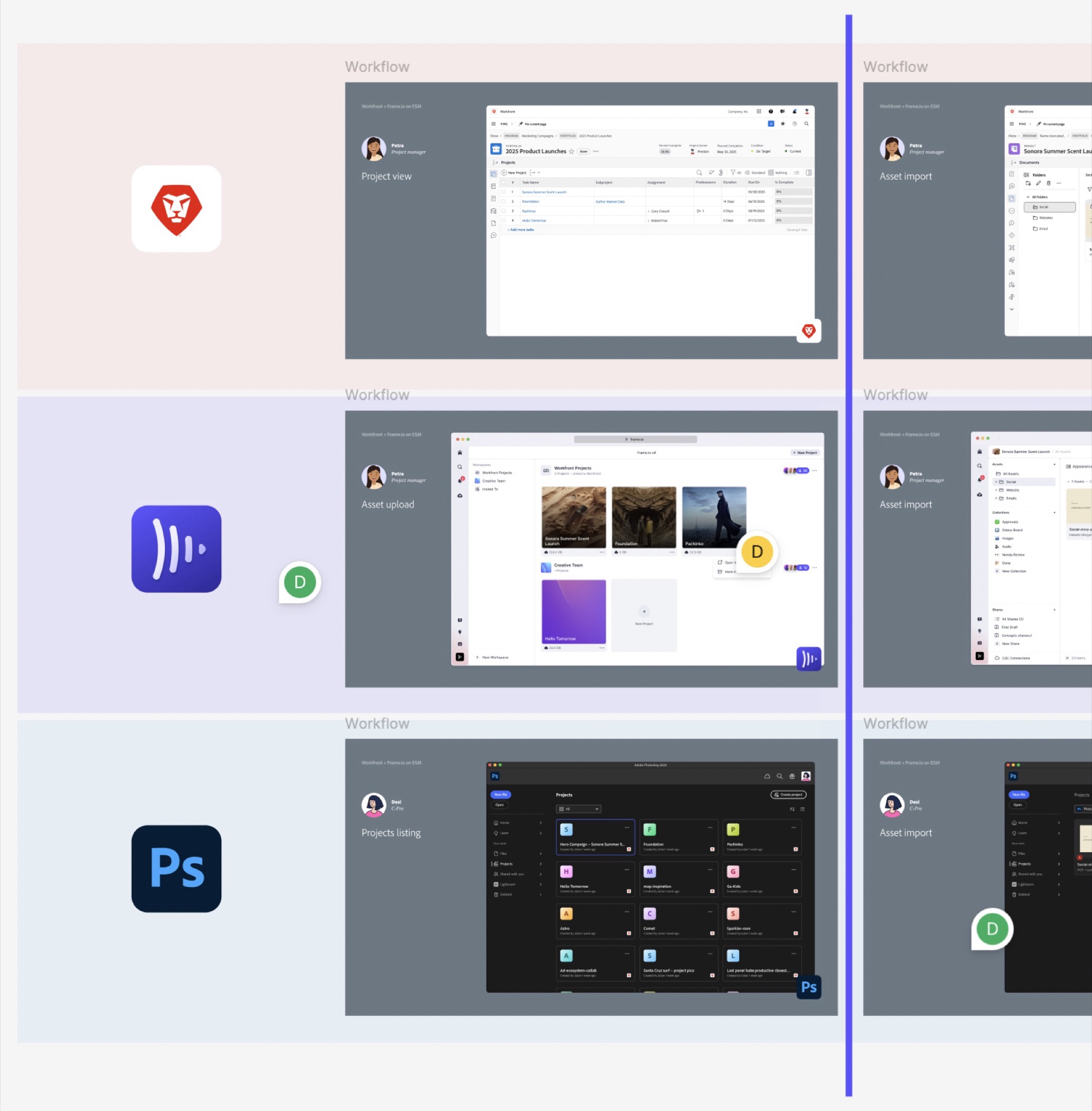
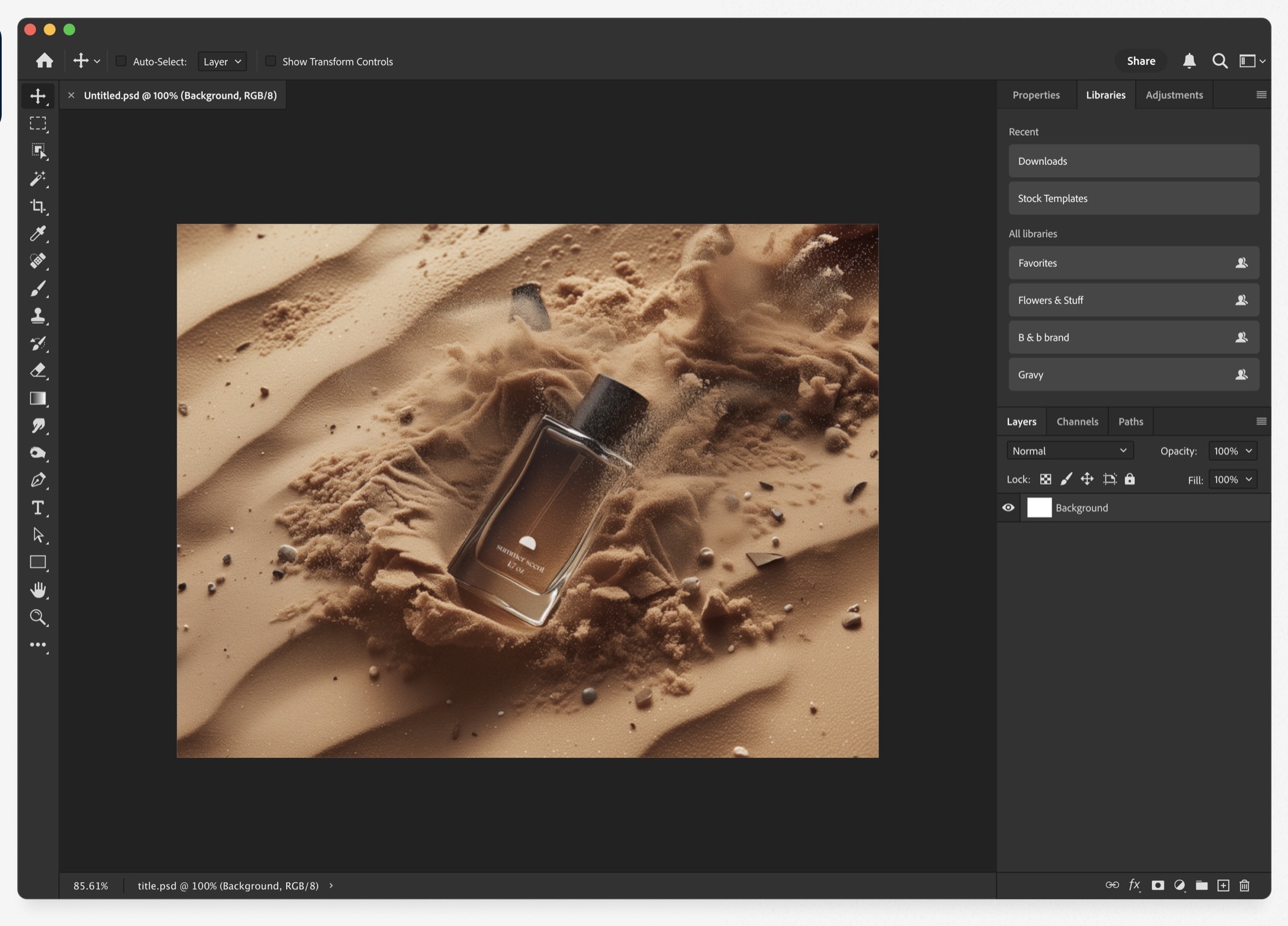
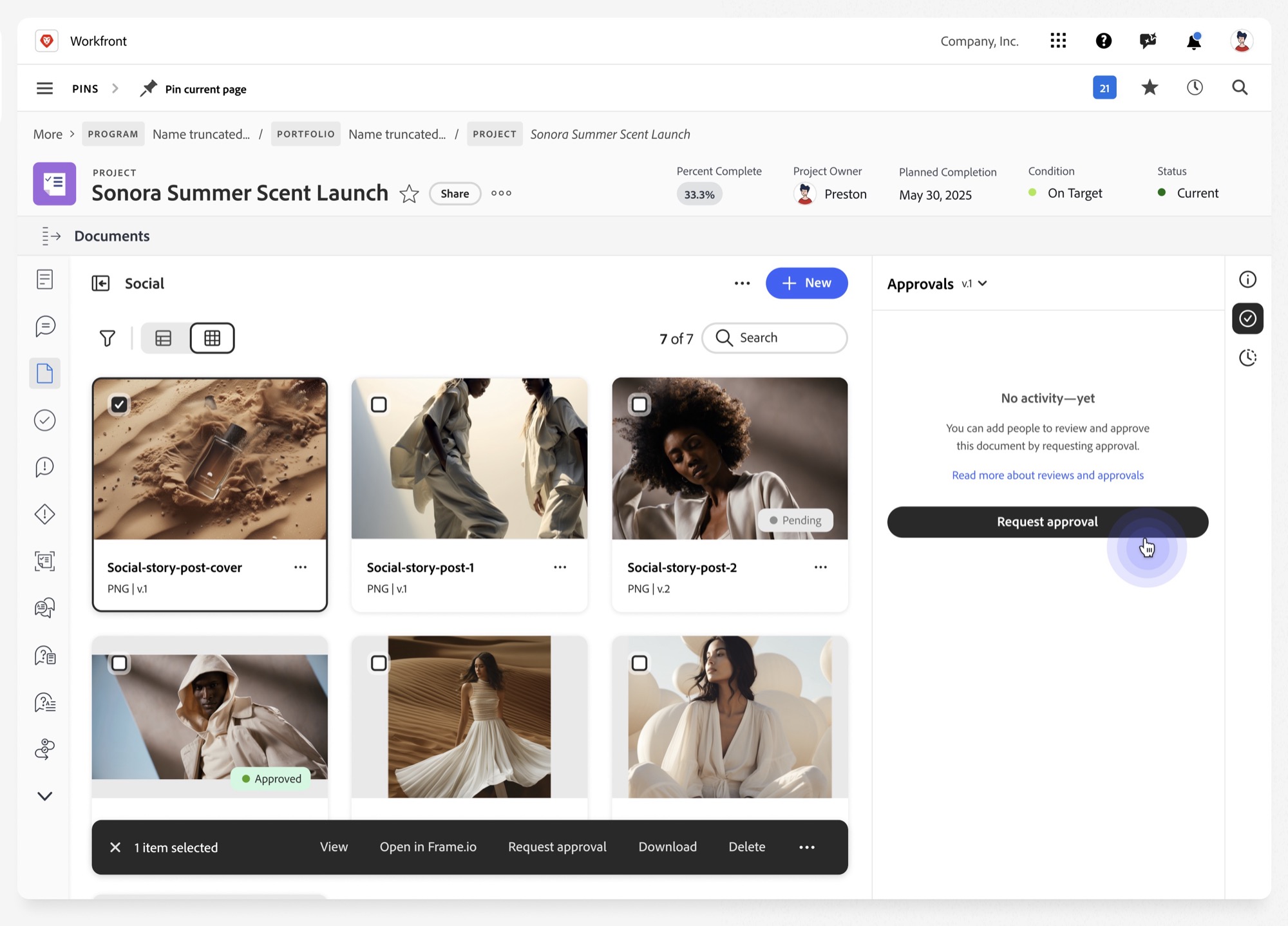
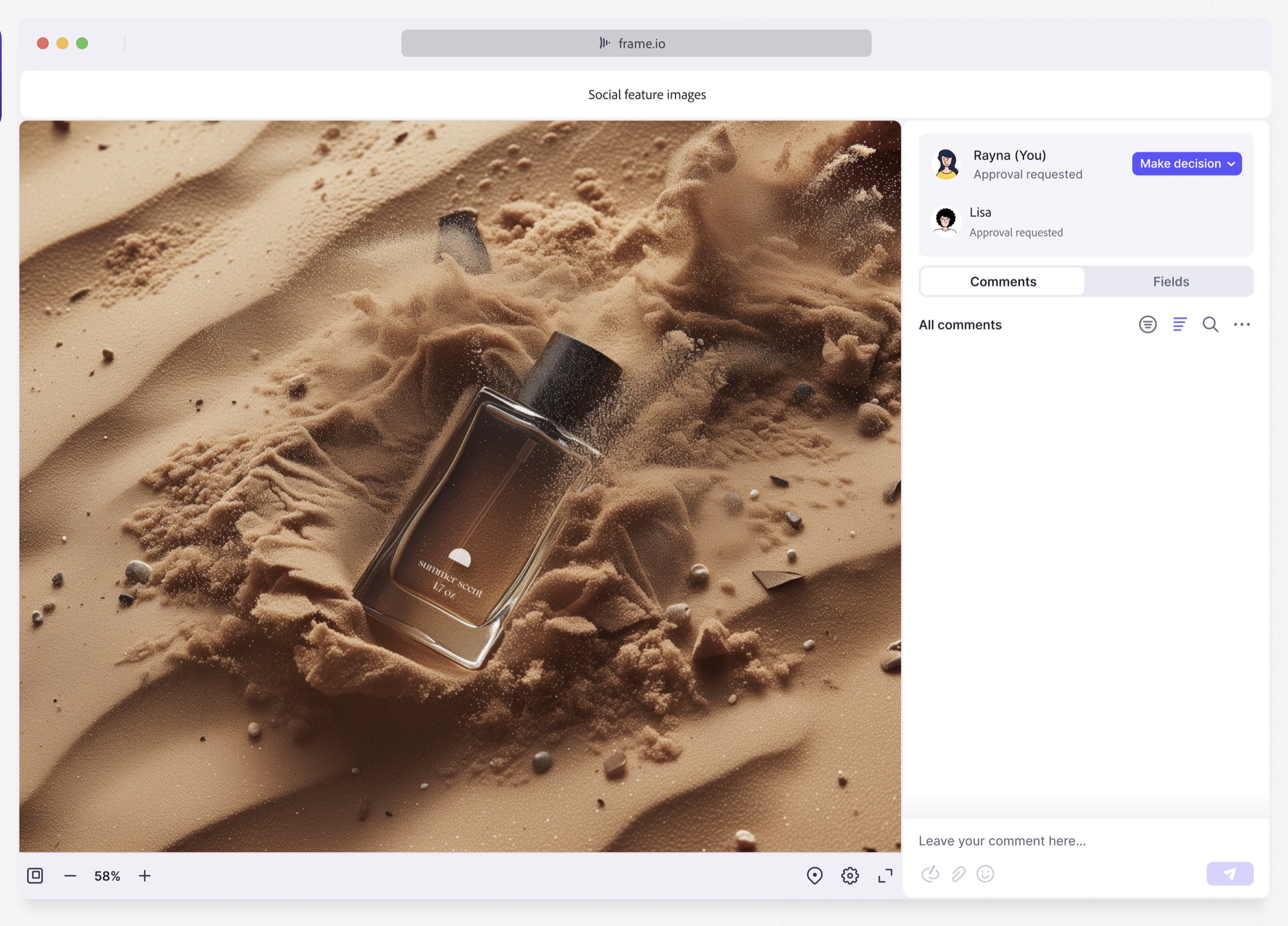
Adobe customers were creating billions of assets each year. Petra, a project manager, kicks off a campaign in Workfront. Her designer creates assets in Photoshop. Approvals happen in Frame.io. Final assets land in Experience Manager.
Every handoff introduced friction.
70%+
of assets were exported and stored outside our ecosystem.
4
products with four different ideas of where the asset actually lives.
Renewal risk
Duplicated files and lost metadata limited ARR expansion.
The real problem wasn’t storage
I ran 24 discovery sessions on end-to-end workflows across roles, and worked with each product’s design lead to map the journeys. What I found changed the project.
Behavioral
Centralizing document storage was just the start of fixing a foundational misalignment in Adobe’s document platform.
Structural
Workflows were duplicated across products, with disconnected user journeys, asset lifecycles and terminology.
Organizational
I expected teams to have constraints. Instead there was no alignment at the organization level, only at the product level.
Four teams had built four different definitions of what a document was.
System logic needed to be redesigned. Standardizing patterns alone would not fix it.
Choosing the foundation
Research narrowed it to two viable storage approaches.
Connect through integrations
Why it was an option
- Smallest engineering lift
- Assets could move between products
Why it was ruled out
- Document bytes were still duplicated
- More syncing risk
- Multi-team upkeep
Centralized storage (Enterprise Storage Model)
Why
- Eliminated duplication
- Simplified permission logic
- Enabled true end-to-end workflows
Tradeoffs we made
- Deeper engineering investment
- Slowed some surface-level UI modernization
- Required a phased migration
Aligning four teams before designing anything
On a project this size, rework isn’t inconvenient, it’s months of lost time. Each team had locally rational goals that conflicted globally, so I shifted the conversation from one tool to system impact.
Duplicate systems
Higher maintenance cost.
Inconsistent UX
Low TUX scores and higher support cost.
Broken workflows
Legal implications, lost license renewals and upsells.
Product owned prioritization and the business case, and engineering owned architecture. Together we ran research, built cross-team roadmaps and implemented the experiences, with VP-level alignment on a single system that scales across Adobe products and reduces operational complexity.
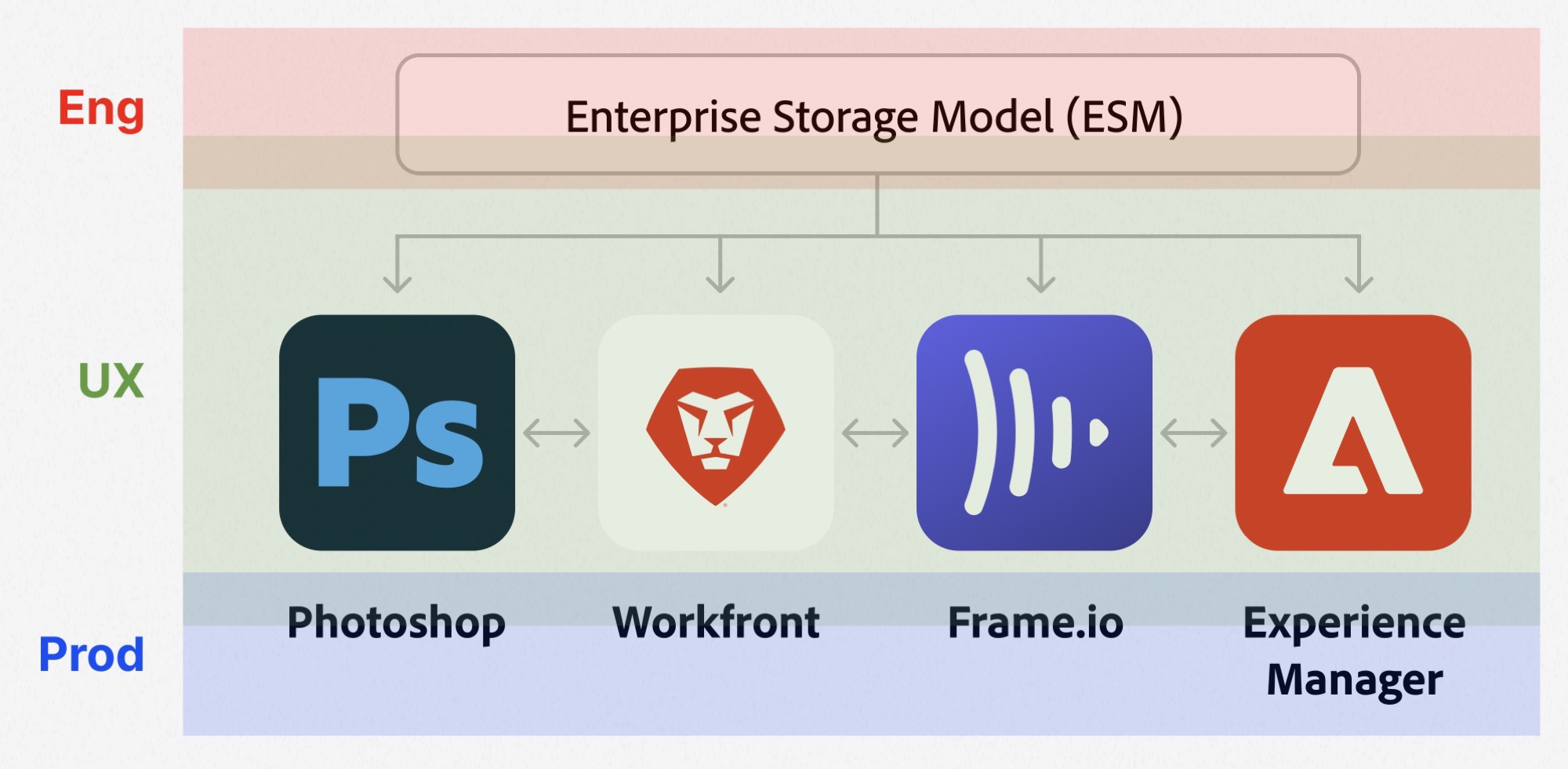
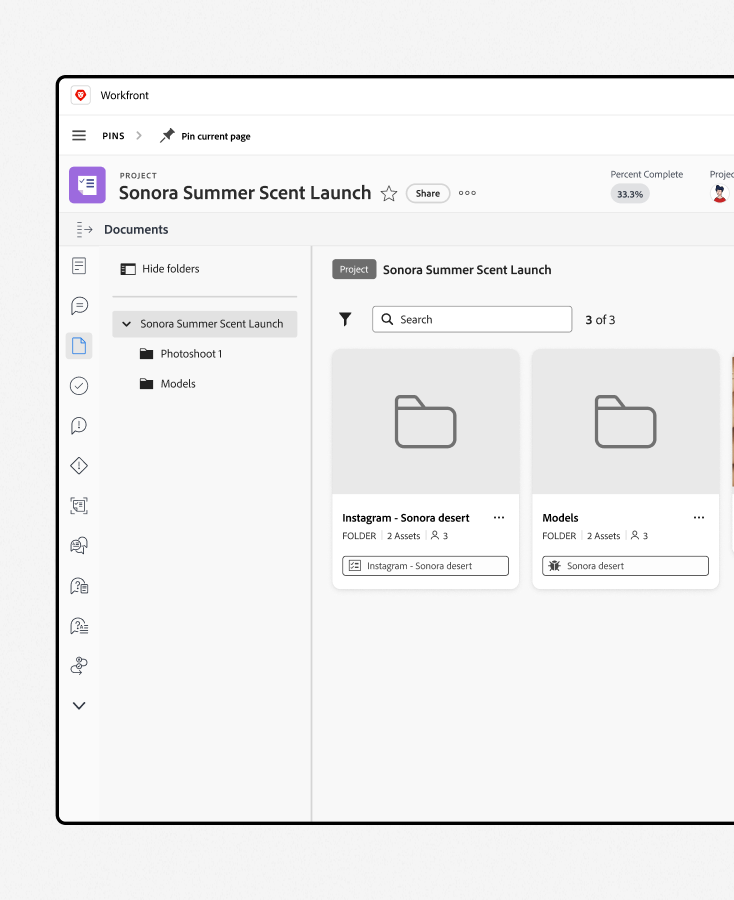
Designing inside the object hierarchy
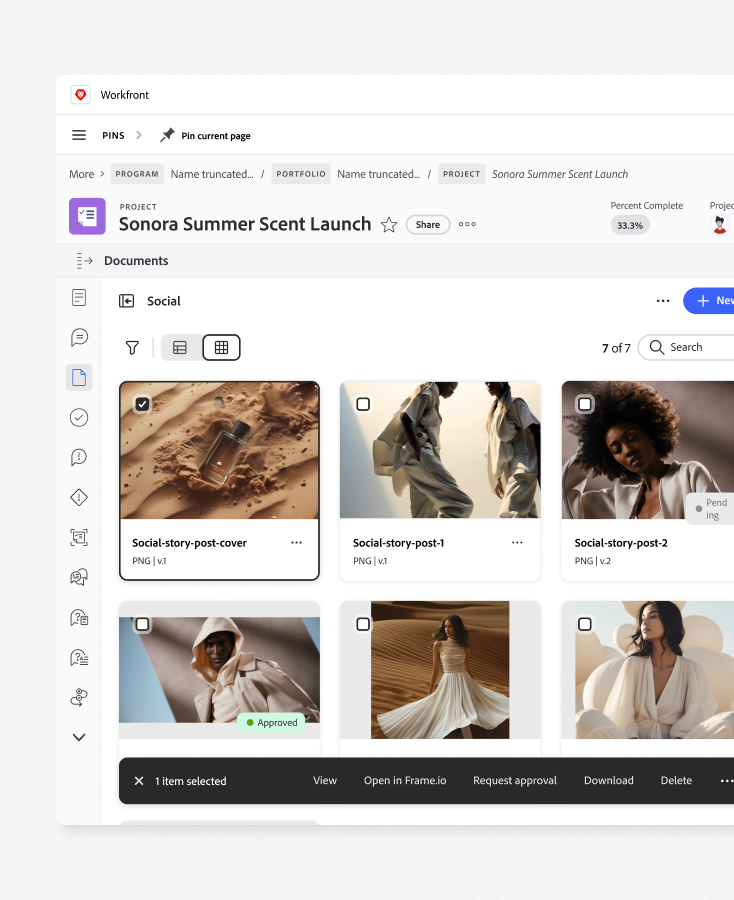
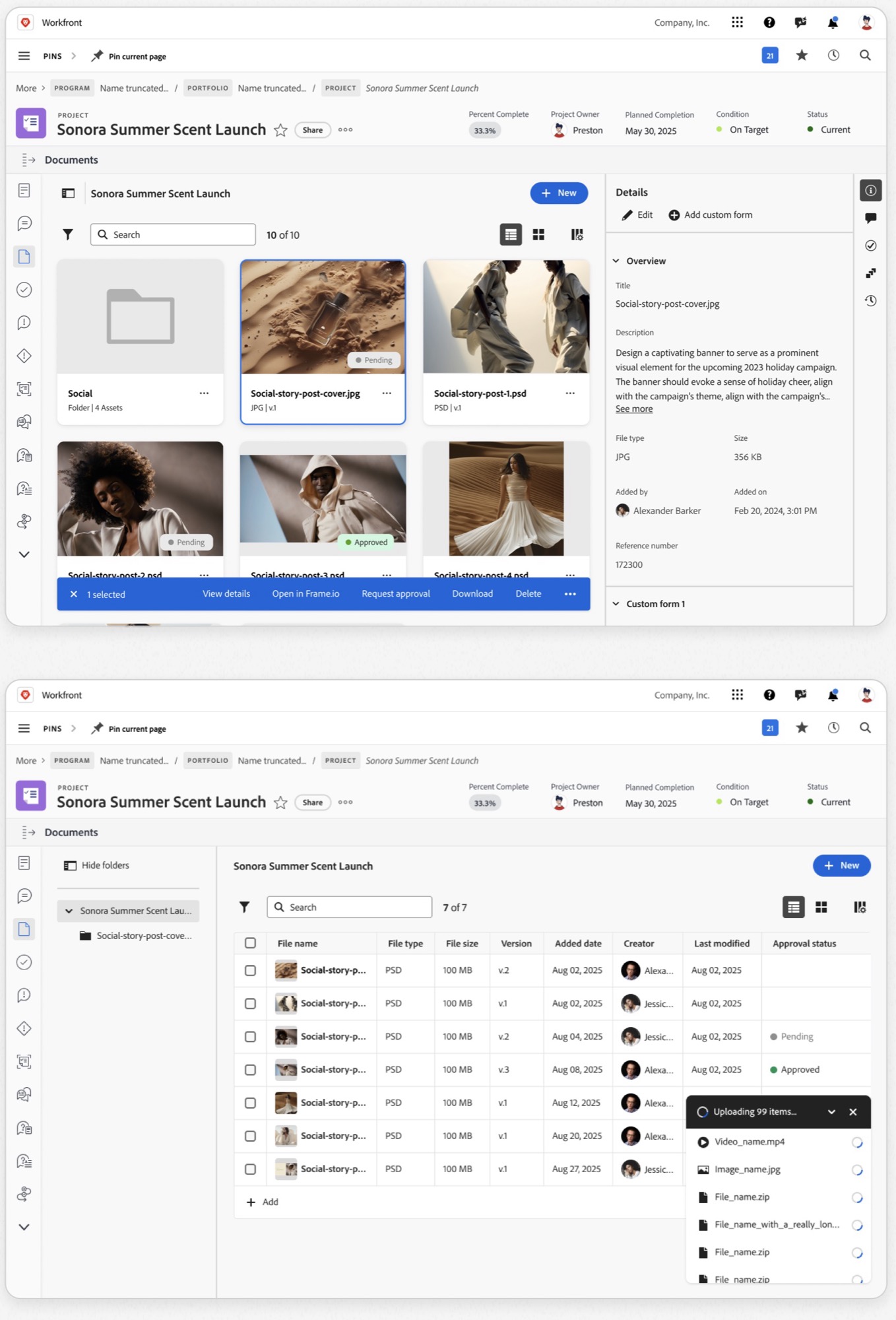
Projects were the unifying object, so documents had to live at that level. But task users needed document access without getting access to the entire project.
Prototyping with AI
I built coded prototypes in Cursor, which let me get in front of customers and iterate much faster. Three experiments, each solving the problem differently. The data determined which one we built.
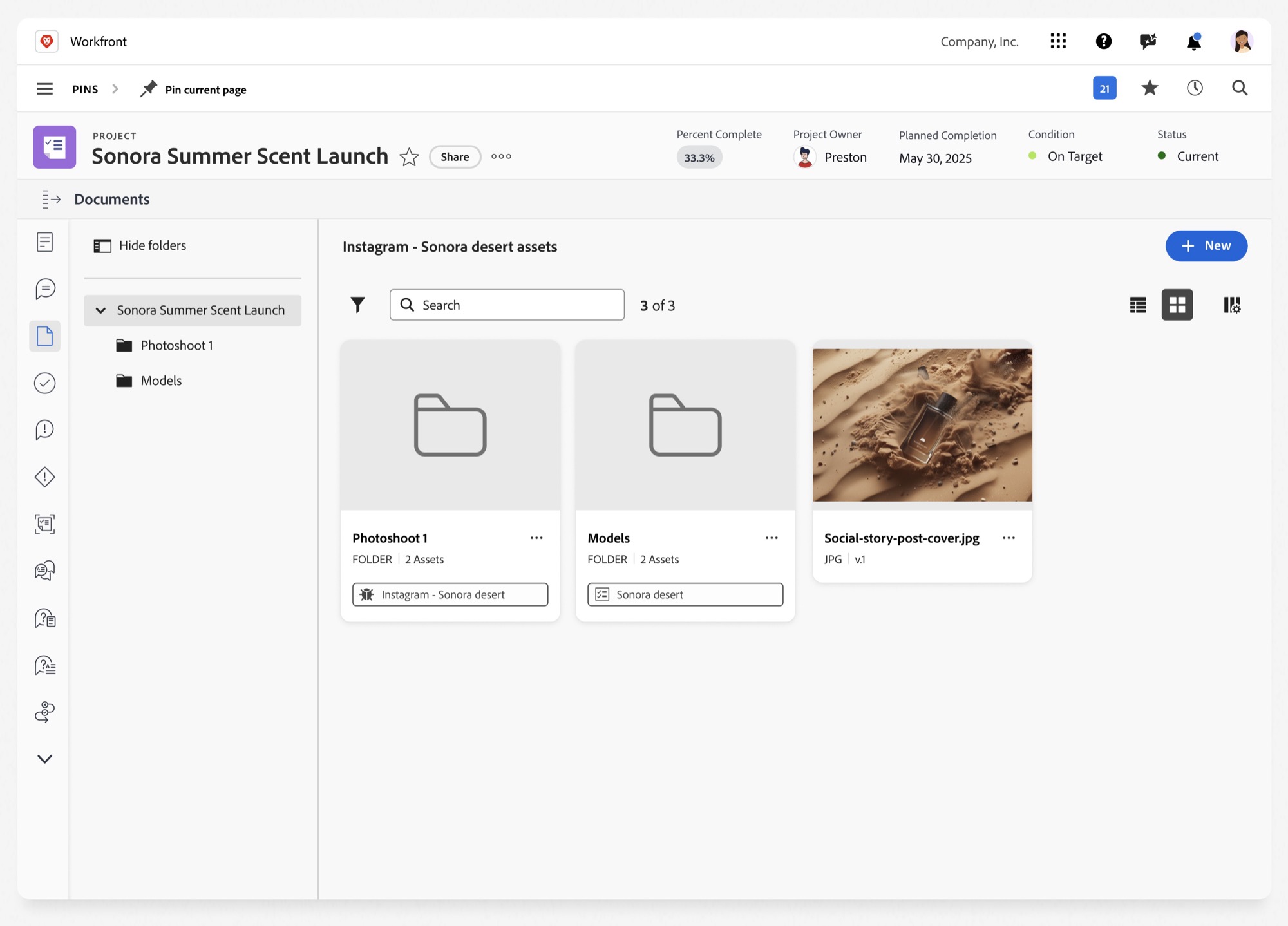
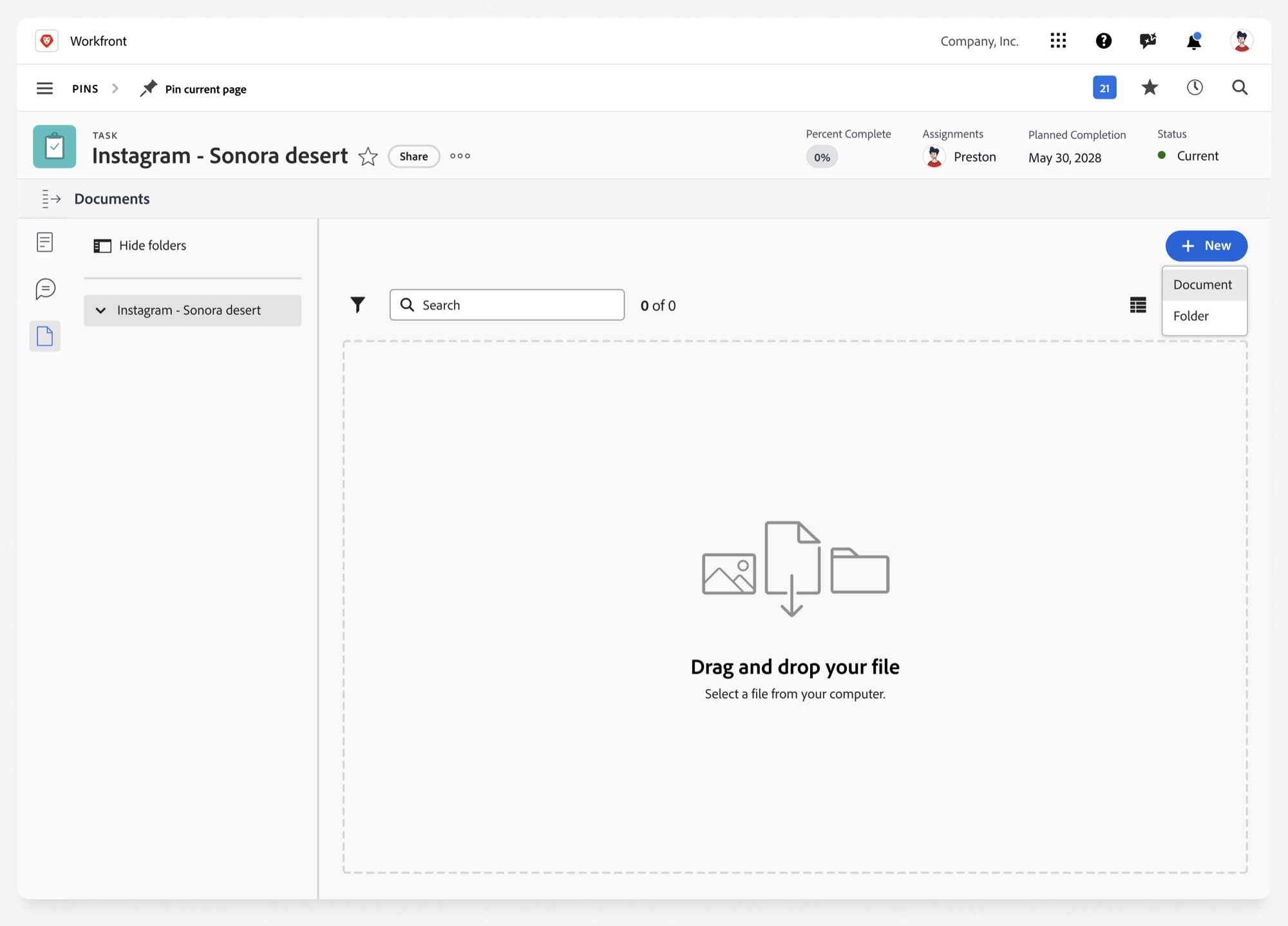
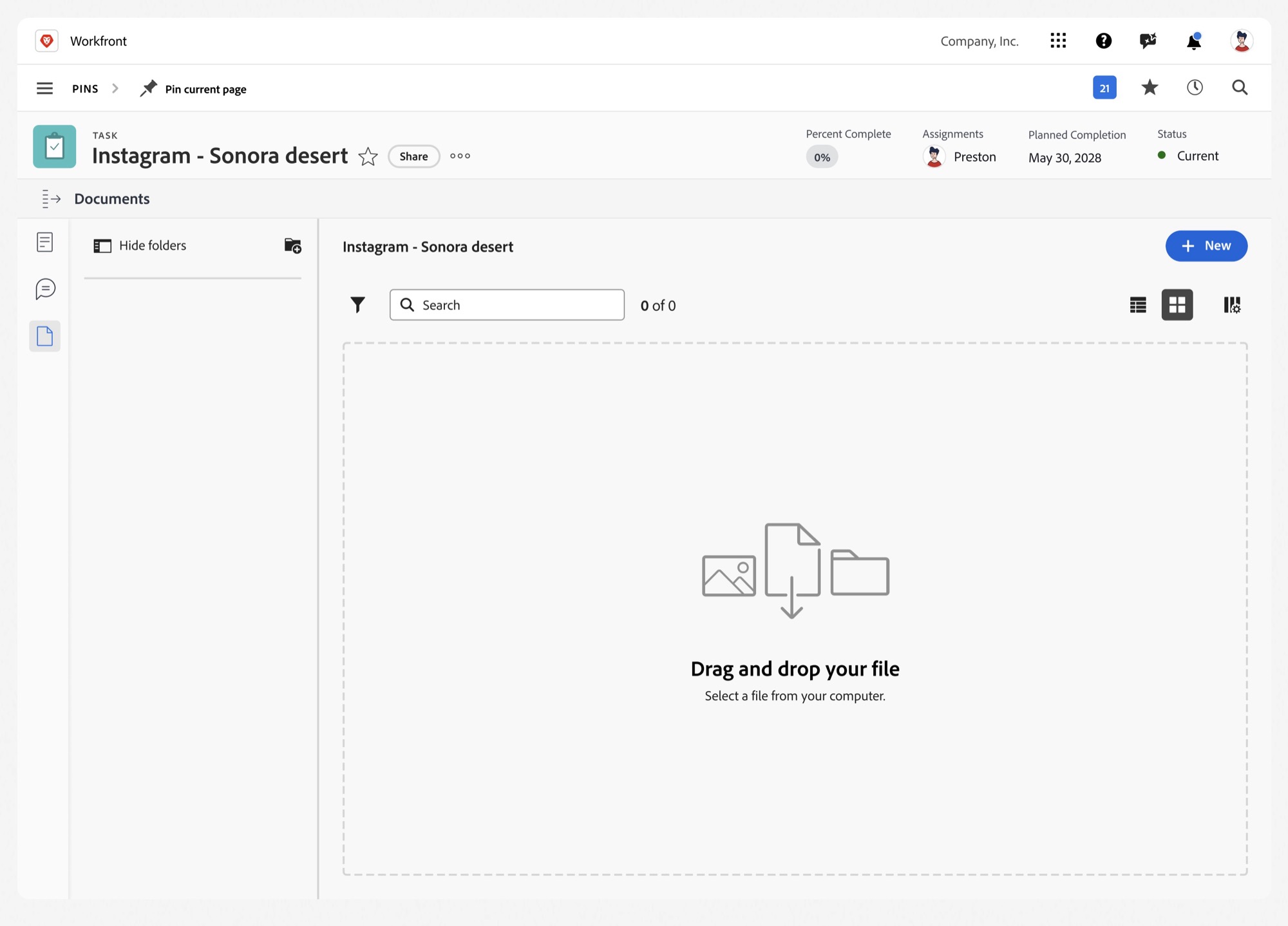
Three concepts, tested
Each prototype went in front of users, and the task success rates made the decision.
Project-level connections
What worked
- Fits the existing architecture, so a short build
Limitations
- Relies on project access
- Unclear which docs need task access
- Can’t upload from a task
Upload access
What worked
- Adds access control (medium build)
- Users can upload assets
Limitations
- Relies on project approval
- Slow process
- Objects fall out of sync
Folder permissions
What worked
- No request needed for uploads
- Project access control still exists
Limitations
- Introduces a new architecture layer (complex build)
Why folder-level permissions
- Upload directly from the task
- Kept project access controls intact
- Kept documents in sync
The tradeoff
- Required engineering to build a new architectural layer, which meant a longer build
Final validation
We tested the end-to-end workflow across the people involved in a single asset’s life, and set out to prove three things:
Results
$6.8M
new enterprise pipeline
$77M
renewed or expanded licenses
460
enterprise customers enabled
Customer impact
- Increased cross-product workflow adoption
- Reduced permission-related work
- Reduced data loss and duplicate uploads
Organization impact
- 3 product roadmaps aligned around centralized storage
- Reusable patterns adopted across teams
Reflection
What I would do differently
- Validate object hierarchy constraints with engineering earlier.
- Formalize cross-product ownership and escalation sooner.
At scale, design impact comes from clarifying system boundaries and aligning teams, not only from polishing individual features.
What’s next: documents in AI conversations
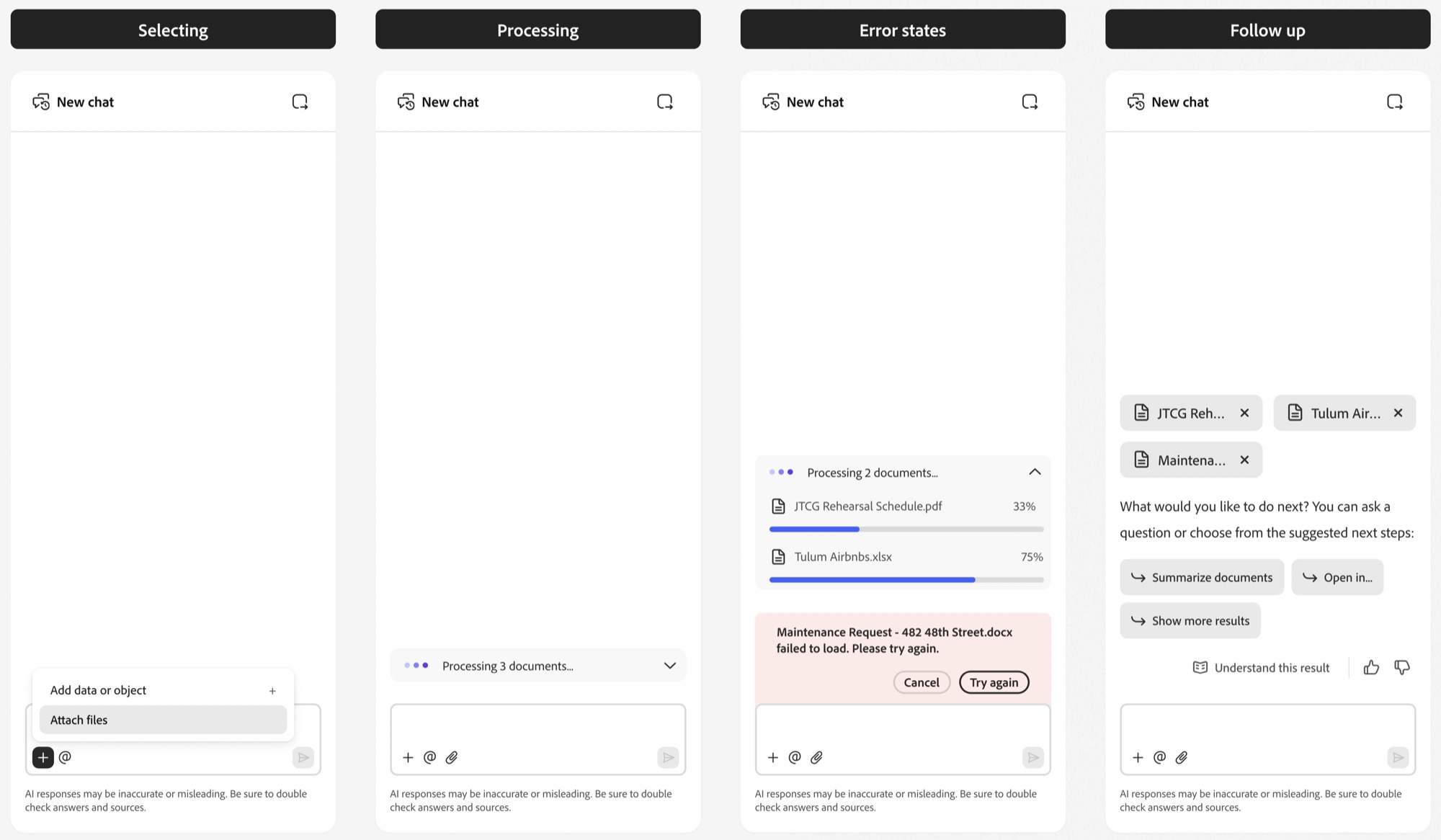
The next step is bringing documents into AI conversations. There was no upload capability, and we couldn’t predict how the model would interpret files.
Approach
Make an uncertain process feel trustworthy by letting the model make assumptions, then follow up.
Open questions